

Launch from one screen, get a first report fast

Someone asks, "Are people actually using AI?" and you'd rather not lose a week setting up a survey to answer. AI Adoption Score October 2026 brought changes aimed at making launching, inviting, reading and sharing take fewer steps. We've grouped them by theme, with dates, rather than strictly by day.
The first release landed on 13 October 2026: pick a survey, send its link with your company's logo on it, and the report fills in as people answer. You start from eight surveys:
- 360° AI Maturity Assessment: a maturity level for people, teams and the organization
- AI Market Pulse: a quarterly view of how far people have got with new AI developments
- AI Anxiety Scale (AIAS): employees' concern about AI
- AI Skills Distribution: who can do what with AI
- AI Adoption Barriers: what holds people back and who can remove it
- Software Quality Management (SQM): one project's engineering practices
- n8n Skills Quiz and Claude Skills Quiz: a Beginner to Expert level from each quiz
On 20 October we moved launching to one screen. Pick a survey and its launch window opens with everything filled in. Press Launch now, or change who can answer and when, in the same window.
Launch now opens the survey with a shared password, anonymous by default. Dates can't be changed after launch. Survey links also became readable that day, showing the company, the survey and a short code, and older links still work.
New to this? Start with AI Adoption Barriers. A new company answers it first and lands on its own report in five minutes, with a prompt to send the survey to the team.
Not sure which survey fits? Since 13 October you can say what you want to find out, and AI suggests up to three. On 15 October a survey's first card began saying how long it takes, when it closes and who will see the answers.
On 16 October every survey card gained a sample report, on made-up data, so you can see what a report looks like before you launch.
Sources: Quick launch: a survey live in two clicks · AI Adoption Score
AI adoption survey invitations and reminders go out for you
Also on 13 October, launching a survey for a saved email list started sending invitations in your name, with reminders for people who haven't answered. By default the first reminder goes three days after the invitation and another the day before closing, two at most per person. Only saved email lists get emails, so AI adoption survey invitations, reminders and the rest of the launch plan still start with you.
Live reports arrived the same day. Insights appear once the first person submits and are worked out when you open the report. The Analytics tab shows who opened, started and finished, and Guide me walks you through the page. We'd check Analytics first, to see where people stop.
Analytics began recording link openings in October 2026, so earlier surveys show less.
Sharing came with the launch: chosen people, the whole organization or a public link. A public link shows Insights only. We'd share with chosen people first.
Sources: Survey invitations and automatic reminders · AI Adoption Score, Live reports for AI adoption surveys · AI Adoption Score
Take AI adoption report exports into Power BI or Excel
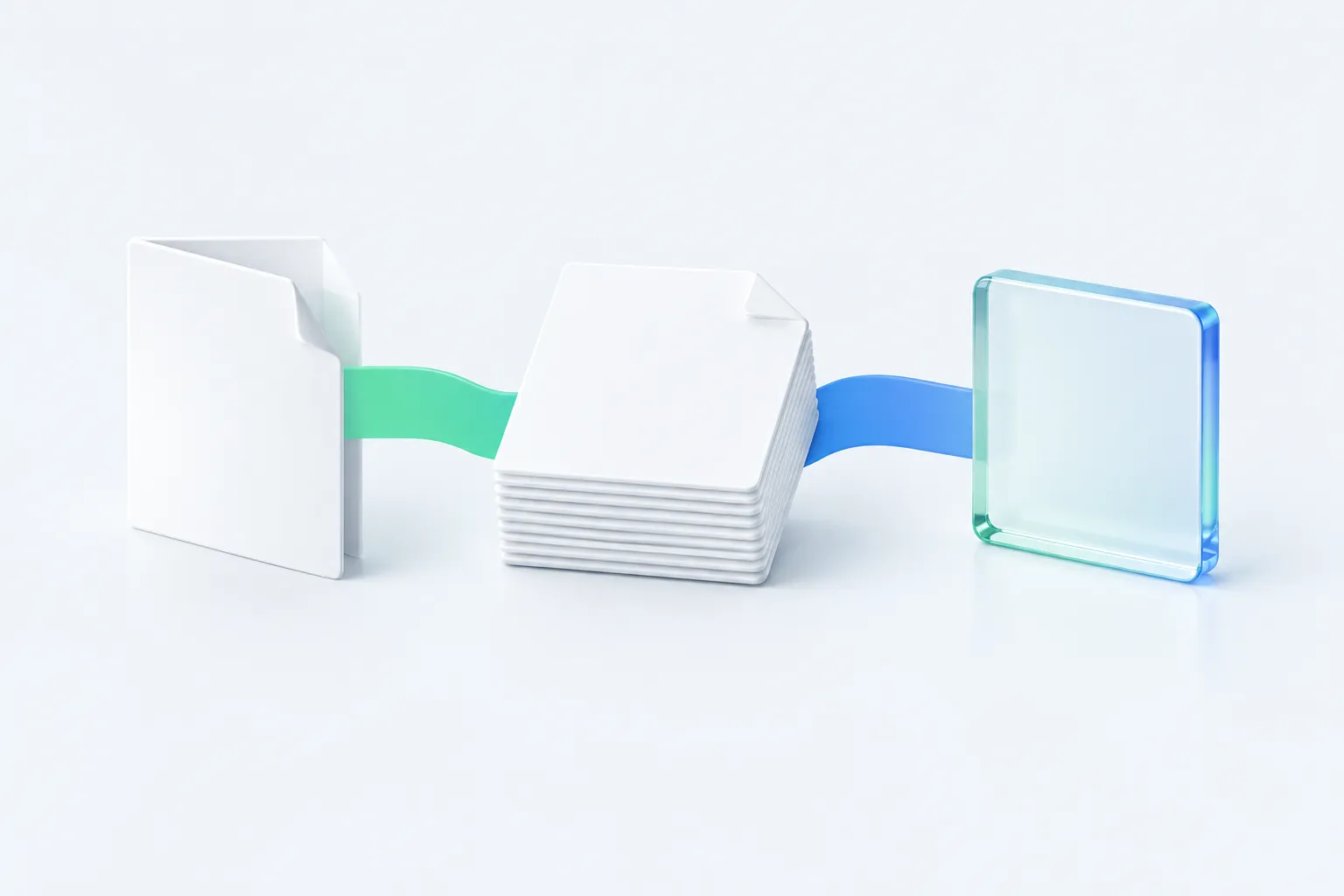
In AI Adoption Score October 2026, reports also learned to leave the app in three forms. PDF and Markdown arrived on 20 October, and CSV followed on 30 October. All three sit in the report's ⋯ menu.
| Export | Added | What you get |
|---|---|---|
| 20 October | The report's insights | |
| Markdown | 20 October | The report, its analytics and every answer in one file |
| CSV | 30 October | The report's numbers in one table, not each person's answers |
The CSV helps anyone tracking trends over time: it's built for Power BI, Excel or a spreadsheet. For briefing a board, we'd use the PDF for the room. A file is a snapshot of the export day, and exports aren't available from a public link or sample report.
Sources: Export AI adoption reports to PDF, Markdown and CSV · AI Adoption Score
Ask your reports questions in plain words
On 13 October you could connect Claude or ChatGPT to your surveys and reports. The connection reads but changes nothing, and it never returns anyone's individual answers. On 14 October it began reaching every organization you belong to, starting with the one open in the app.
ChatGPT needs Developer mode, and results go to the AI company behind the assistant. Assistants can also get details wrong.
On 31 October Ask AI about your reports arrived inside the app. Explain results says what a report shows in plain words, and Chat with report answers questions from the report's own numbers. It's on the Company and Enterprise plans; the free Team plan is pointed to the connection instead.
Sources: Ask AI about your reports: Explain results and Chat with report · AI Adoption Score, Connect Claude and ChatGPT to AI Adoption Score (MCP) · AI Adoption Score
People and Surveys pages give you two new places to look

On 15 October the AI Market Pulse insights gained a People page and teams side by side, on the page and in the PDF. The page lists people in name order, never by result. Results are self-reported, and expected stages are internal targets, not industry benchmarks.
On 27 October every person got a page in People, with a card per report. You can add, edit and merge people, and match anonymous responses by hand. Merge can't be undone, so check twice. Report viewers don't get People.
The Surveys page followed on 28 October. Every survey is a card with a picture of its report, grouped into self-reported reports, quizzes and telemetry, with one line on when to use it.
Sources: People profiles with signals: one page per person across every survey · AI Adoption Score, AI Market Pulse: how it works · AI Adoption Score
AI Coding Usage shows use, not quality
On 18 October AI Coding Usage opened to every company. It's a telemetry report, separate from the eight surveys: it measures how engineers use Claude Code and Codex on their Macs through a one-line add-on, instead of asking them. The report shows sessions, repositories, tools and connectors.
On 30 October it added when the work happens: time with AI a day, plus the days and times of day a team works with AI. The add-on keeps itself up to date.
Prompts, answers, code and file names stay on the Mac. It's Mac-only for now and shows use, not quality. We'd use it to see where teams need support, not to judge anyone.
Sources: AI Coding Usage: how it works · AI Adoption Score
Small changes that save clicks
On 30 October you can sign in or sign up with a link sent to your email, beside Google. Surveys that ask people to sign in take the same kind of link. Updates now show under What's new in the app and arrive by email, which anyone can turn off.
On 31 October organization search arrived. Once you're in seven or more organizations, the menu gets a search, with Recent and All. Organizations are archived rather than deleted.
Setup shrank, so reading results is the work left
Taken together, AI Adoption Score October 2026 moves the work from setup toward reading. We'd expect launching and chasing to take less of your time, though reports still need reading and the launch plan stays yours.
As AI adoption survey platform updates go, this month was about reaching a first report sooner. Choose the survey that matches your question, launch it from one screen and watch Analytics. Then export the numbers.
Frequently asked questions
Can I add people to a survey while it's running?
Yes, for saved email lists. Someone you add to a list joins every open survey that uses it and gets the invitation. Someone you remove keeps a working link but gets no more reminders. Surveys using a shared password or domain sign-in send no emails.
Can I export a report from a public link?
No. Exports aren't available from a public link or a sample report. They sit in the ⋯ menu of reports you can open in the app, and each file is a snapshot of the day you export it.
Can I undo a merge on the People page?
No. Merge can't be undone, and it's refused when both people answered the same survey. Check the two pages before you confirm.
Sources: Survey invitations and automatic reminders · AI Adoption Score, Export AI adoption reports to PDF, Markdown and CSV · AI Adoption Score, People profiles with signals: one page per person across every survey · AI Adoption Score